The Authentication Rabbit Hole: What I Learned From Vibe-Coding Auth with AI
By Cheryl Hung


On this page
The promise of AI-assisted development has never been more alluring. "Just describe what you want, and watch the code materialize before your eyes!" It's the developer equivalent of a cooking show where ingredients magically appear pre-chopped and measured - and then throw themselves into the oven! But what happens when you try to vibe code something as fundamental yet complex as authentication? Let's find out by building a JavaScript application with on-premise, standards-based OIDC authentication using nothing but AI assistance and vibes.
The Siren Song of "Simple" Auth#
The challenge seemed straightforward: build a JavaScript application with on-premise, standards-based OIDC authentication. No SaaS providers involved, just good old-fashioned self-hosted auth with:
- Local user database
- Username and password authentication
- User registration and login
- A protected profile page
- Logout functionality
Should be straightforward right?
Famous last words...
The Journey Begins: The Optimistic Beginning#
I started with a typical prompt to an AI model:
"Build me a Node.js authentication system with Express, using local storage for users, password hashing, and JWT tokens for sessions. Include registration, login, and a protected profile route."
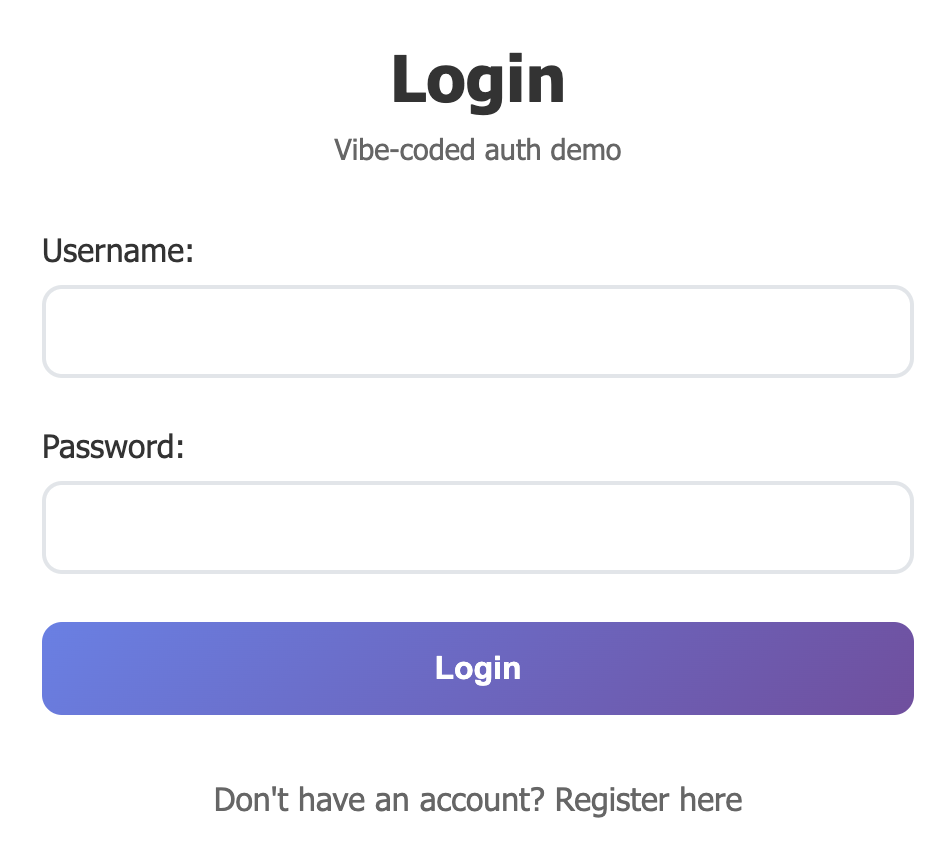
The AI churned for a few minutes, and gave me a working Express server with registration and login endpoints, password hashing, and JWT generation. Pretty neat!
app.post('/api/register', async (req, res) => {

  const { username, password } = req.body;

  const hashedPassword = await bcrypt.hash(password, 10);

  // Store user in database...

  const token = jwt.sign({ userId: user.id }, 'secret-key');

  res.json({ token });

});
But once I start thinking more deeply, that's when the questions begin.
The Missing Questions#
Question 1: What About Password Requirements?#
My AI-generated registration endpoint accepted any password. "password123"? Sure. "p"? Absolutely. A 500-character string that would DoS my bcrypt hashing? Why not!
I went back to the AI: "Add password validation that follows OWASP guidelines."
The result was better, but it made me realize: I had to know to ask for OWASP compliance. The AI didn't volunteer this information. How many developers would think to specify this upfront? What about salting?
Question 2: Are We Preventing Duplicate Accounts?#
My registration endpoint happily created multiple accounts with the same username. When I asked the AI to fix this, it added a simple database check. But then I wondered: what about case sensitivity? What about Unicode normalization? What about email addresses as usernames?
Each fix revealed more questions.
Question 3: Is "secret-key" Really My JWT Secret?#
The hardcoded JWT secret in my code isn't the best choice. When I asked the AI to fix it, it suggested process.env.JWT_SECRET. Better, but now I need to think about key rotation, key length, cryptographic strength, a revocation mechanism...
Suddenly my "simple" auth system needed a management strategy for building a secure JWT and managing secrets.
The Database Dilemma#
"Use local storage for users," I had said. The AI interpreted this as an in-memory JavaScript object. Fine for prototyping, but what about persistence? What about concurrent access? What about data integrity?
I asked for SQLite integration. The AI delivered a working solution, but I started wondering about SQL injection (were my queries parameterized?), database encryption at rest, connection security, and backup strategies.
Each question led to another implementation detail I hadn't considered.
The OIDC Compliance Gap#
I specified "JWT tokens for sessions" in my requirements, and the AI happily gave me JWT tokens and called it a day. But OIDC is a complex specification with specific flows, token types, and security requirements.
When I asked specifically for OIDC compliance, I got:
- Authorization endpoints
- Token introspection
- PKCE flow implementation
- Proper scope handling
- Discovery document endpoints
But here's the kicker: I had to know these terms to ask for them. The AI didn't say, "Hey, for OIDC compliance, you'll need these seven additional endpoints and these twelve security considerations."
The Frontend Security Minefield#
My frontend was storing JWT tokens in localStorage and sending them as Bearer tokens. The AI didn't warn me about:
- XSS vulnerabilities with localStorage
- The lack of CSRF protection
- Token expiration handling
- Secure token refresh flows
- Proper logout (token invalidation)
When I specifically asked about XSS protection, the AI suggested httpOnly cookies. When I asked about CSRF, it recommended CSRF tokens. Each security consideration required me to know enough to ask the right question.
The Testing Reality Check#
I decided to add some tests. "Write comprehensive tests for this authentication system," I prompted.
The AI generated unit tests for individual functions and some integration tests for the endpoints. But the tests revealed gaps I hadn't noticed:
- Race conditions in user registration
- Improper error handling that leaked information
- Missing input validation on edge cases
- Inconsistent session handling
The tests were only as comprehensive as my prompts. I got what I asked for, but not necessarily what I needed.
The Production Awakening#
As I stared at my "complete" authentication system, I started listing everything it was missing for production use:
User Experience Features:
- Password reset/recovery flow
- Email verification for new accounts
- Account lockout after failed attempts
- Password strength indicators
- Remember me functionality
Administrative Features:
- User management interface
- Admin users who can manage other users
- Role and permission management
- Audit logging
- Bulk user operations
- Account deactivation/reactivation
Advanced Security:
- Multi-Factor Authentication
- Social identity provider integration (Google, X, Github)
- Passwordless authentication (WebAuthn, magic links)
- Advanced threat detection
- Session management across devices
Operational Requirements:
- Monitoring and alerting
- Performance optimization
- Database migrations
- High availability setup
- Disaster recovery
Each authentication method requires not just implementation but testing and security review.
The Integration Challenge#
Building auth in isolation is hard enough, but real applications need authentication integrated with:
- Authorization systems (who can do what)
- User profile management
- Application-specific user data
- External APIs and services
- Frontend state management
- Mobile applications
- Third-party integrations
Each integration point introduces new security considerations and failure modes that AI might not anticipate without specific prompting.
The Standards Are Evolving#
Here's something that really crystallized the problem for me: authentication standards don't stand still. OAuth 2.1 is in progress right now, consolidating best practices and deprecating insecure patterns. PKCE is becoming mandatory. The implicit flow is being retired. Security recommendations evolve as new attack vectors emerge.
What happens to my lovingly hand-crafted auth system when OAuth 2.1 is officially published? Or when a new OWASP guideline comes out? Or when a critical vulnerability is discovered in a pattern I'm using?
The answer is: nothing happens automatically. I'd need to stay on top of every security mailing list, read every RFC update, understand the implications, and manually update my code. With a homegrown system, you're the security team, the standards committee, and the maintenance crew all rolled into one.
The AI Paradox#
AI is incredibly powerful at implementing solutions to well-defined problems, but authentication isn't a well-defined problem. It's a constellation of interconnected security, usability, and operational challenges.
The AI gave me exactly what I asked for, every time. But it didn't:
- Warn me about security implications I hadn't considered
- Suggest best practices I didn't know to request
- Identify gaps in my requirements
- Consider how it should integrate with an existing architecture
- Provide a comprehensive security review
- Consider the operational implications of my choices
The fundamental challenge of vibe coding is that you don't know what you don't know. In some ways, it made the problem worse by giving me confidence in implementations I didn't fully understand. It appears functional on the surface, passes basic testing, then fails catastrophically when exposed to real-world threats.
Lessons Learned#
- Domain Expertise Still Matters: AI can implement solutions, but you need to understand the problem space well enough to ask the right questions.
- Security Is Not Optional: Authentication is a security-critical component that requires expert knowledge and continuous maintenance.
- Complexity Is Hidden: What looks like a simple problem (username/password login) is actually a complex system with dozens of security, usability, and operational considerations.
- Production Is Different: Building a demo and building a production-ready system are completely different challenges with different requirements.
- Time Is Not The Only Cost: The ongoing maintenance, security updates, and operational overhead of DIY auth often exceed the initial development cost.
Ultimately, AI is a powerful tool, but it's not a replacement for understanding. It can accelerate implementation once you know what to build, but it can't replace the architectural decisions, security considerations, and operational knowledge needed for authentication systems.
The FusionAuth Alternative#
This is where a solution like FusionAuth changes the equation. With FusionAuth, you get:
Security Features I Struggled With:
- OWASP-compliant password policies
- Secure token generation and validation
- CSRF and XSS protection
- Secure session management
- Advanced threat detection
Features I Didn't Even Consider:
- Social identity provider integration
- Multi-Factor Authentication
- Passwordless authentication options
- Advanced user management
- Comprehensive audit logging
- GDPR compliance tools
- High availability deployment options
Operational Concerns I Hadn't Thought About:
- Database security and encryption
- Performance optimization
- Monitoring and alerting
- Professional security audits
- 24/7 security incident response
In addition, FusionAuth handles changes to standards and best practices over time for you: they monitor the standards, implement the changes, and provide migration guidance if you need to adjust anything on your end.
The Path Forward#
Does this mean you should never build authentication yourself? Not necessarily. There are valid reasons to maintain control over your authentication system:
- Need for complex, unusual customization
- Integration with legacy systems
- Learning and educational purposes
But if you do choose the DIY route, understand that you're not just building a login form. You're taking responsibility for the security of your users' data and accounts. This requires:
- Significant security expertise on your team
- Ongoing security training and updates
- Regular security audits and penetration testing
- Comprehensive monitoring and incident response procedures
- Deep understanding of relevant compliance requirements
Conclusion: The Age Old Build vs Buy#
My experiment with vibe-coding authentication was enlightening. I built a working system relatively quickly with AI assistance, but I also discovered that "working" and "secure" are very different things.
This highlights the classic build vs buy authentication dilemma. FusionAuth and similar purpose-built authentication platforms provide something that AI-assisted development can't: expert-level security implementation with comprehensive feature sets, ongoing security maintenance, and professional support. They handle the countless details that you don't know to ask about while still giving you control over your user database and local deployment.
When I compare my DIY auth system to FusionAuth's feature list, the difference is stark. What took me minutes to build (poorly) is implemented securely out of the box, with additional features I hadn't even considered. Even many of the reasons people build homegrown auth are not problems with FusionAuth, such as on-premise, airgapped deployments, or complex and unusual customization.
The real value isn't just in the time saved during initial development. It's in the confidence that comes from using a solution designed by security experts, maintained by a dedicated team, and battle-tested across countless implementations.
Authentication is one of those problems that reveals enormous complexity the deeper you dig. AI tools are incredibly powerful for building software, but they work best when you already understand the problem you're trying to solve.
For authentication, unless you have significant security expertise and a compelling reason to build it yourself, your users (and your sleep schedule) are probably better served by a purpose-built solution.
Further Reading#
- Build vs Buy Authentication: The Calculator
- What is OIDC?
- Building a Secure JWT
- Guide to User Data Security
Related
Learn about the APIs for creating, retrieving, updating and deleting OpenID Connect identity providers.
Learn about how FusionAuth integrates with existing or new applications.
Learn how to secure your applications as AI agents become first-class actors alongside humans in your systems.
This article covers three common AI use cases: RAG, MCP and agentic systems. It also discusses how authentication and authorization interact with these use cases.