

Happy zero-th birthday, FusionAuth 1.64.0! This version includes Lambda Secrets, dynamic discovery for OAuth endpoints, codes for email passwordless login, and custom page titles for simple themes. As usual, we've also taken the time to quash some long(and short)standing bugs.
We're calling this release the Secret Shibe since this version stores secret values for your lambdas as assuredly as a faithful doggo stores rawhide bones in your couch cushions:

Safely Access Secrets from Lambdas#
We all have secrets. Now FusionAuth enables you to store and access them securely with lambda secrets.
- In the Admin UI, visit Settings -> Key Master .
- From the dropdown in the upper right, select Import secret .
- Specify a unique secret name, which you will use to access your secret from a lambda.
- Specify your secret value (the value you are securing).
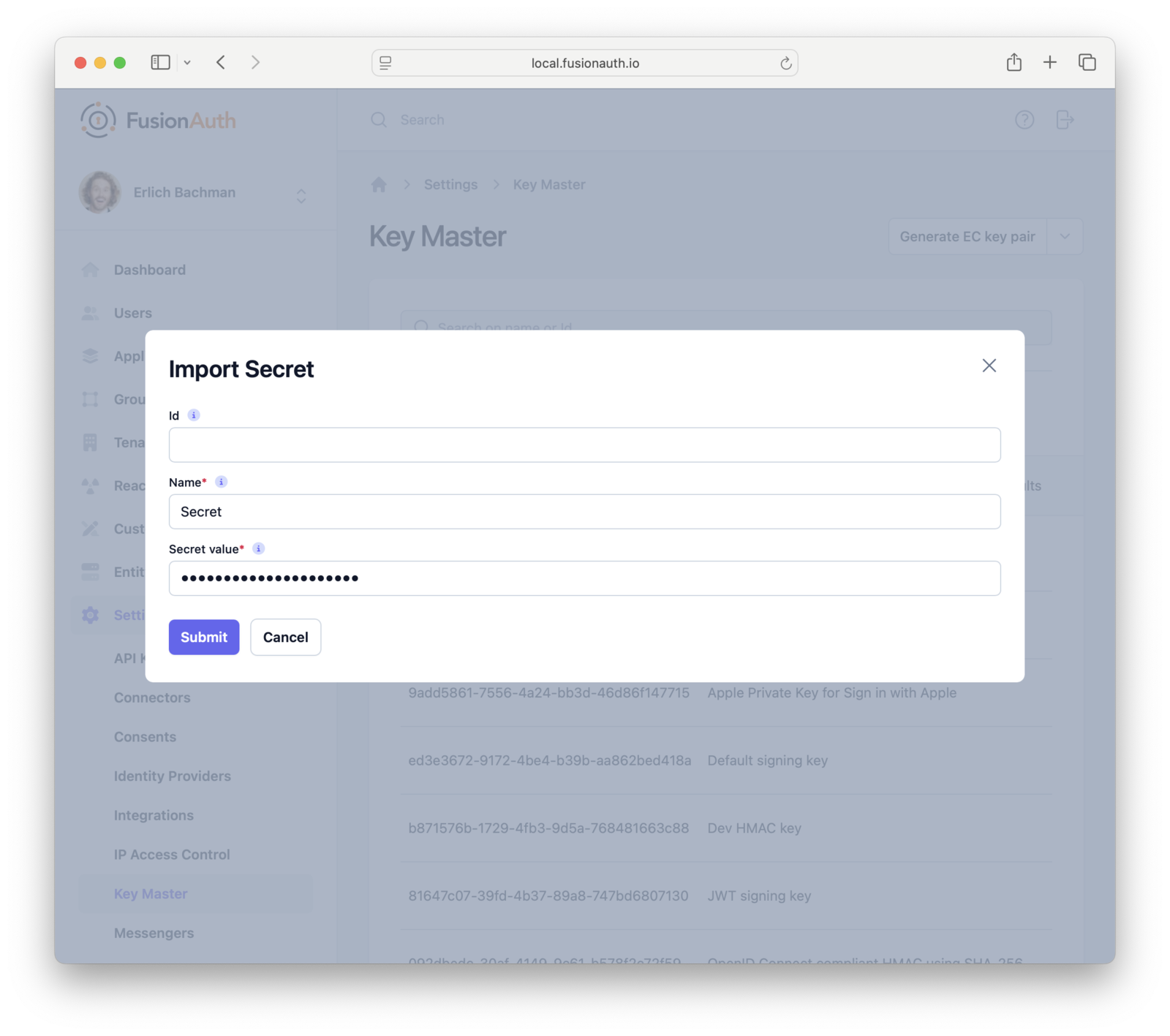
To access secrets, use the context parameter. Pass a secret name to context.services.secrets.get() to retrieve the corresponding secret value as a string:
function populate(jwt, user, registration, context) {
  // access a secret named 'super-secret-key'
  var apiKey = context.services.secrets.get('super-secret-key');

  // use that secret as an api credential
  var response = fetch("https://api.example.org/api/status?" + user.id, {
    method: "GET",
    headers: {
      "content-type": "application/x-www-form-urlencoded"
      "authorization": "Basic " + apiKey
    }
  });

  if (response.status === 200) {
    var jsonResponse = JSON.parse(response.body);
    console.log('response: ' + jsonResponse);
    jwt.status = jsonResponse.status;
  } else {
    console.warn('failed request: ' + response.status);
    jwt.status = "basic";
  }
}
All right then, keep your secrets.
Codes for Email Passwordless Login#
Previously, one-time password login via email always used the ClickableLink (magic link) option.
But not everyone likes magic. Sometimes it's nicer to just get a code. To accommodate this preference, the email login strategy now supports both magic links and the FormField option, which provides a passwordless login code.
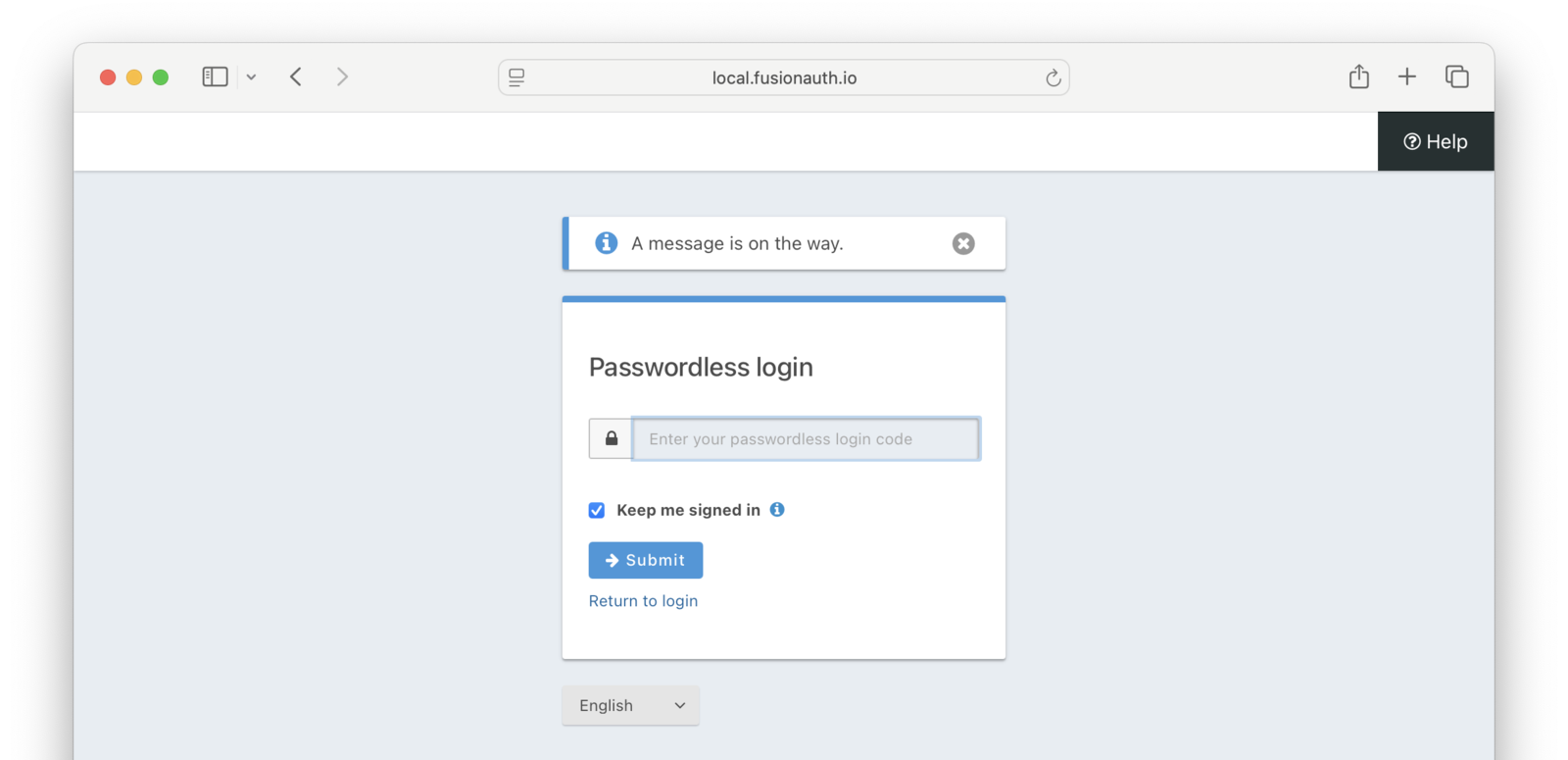
To configure the default email login strategy for /api/passwordless/start, set application.passwordlessConfiguration.emailLoginStrategy. However, you can also specify a method when you call the API.
Custom Page Titles for Simple Themes#
Previously, Simple Themes didn't include the ability to override the page title. As a result, Simple Theme users would occasionally notice tab names like "Login | FusionAuth". For users who aren't aware of their CIAM provider, this could be confusing:
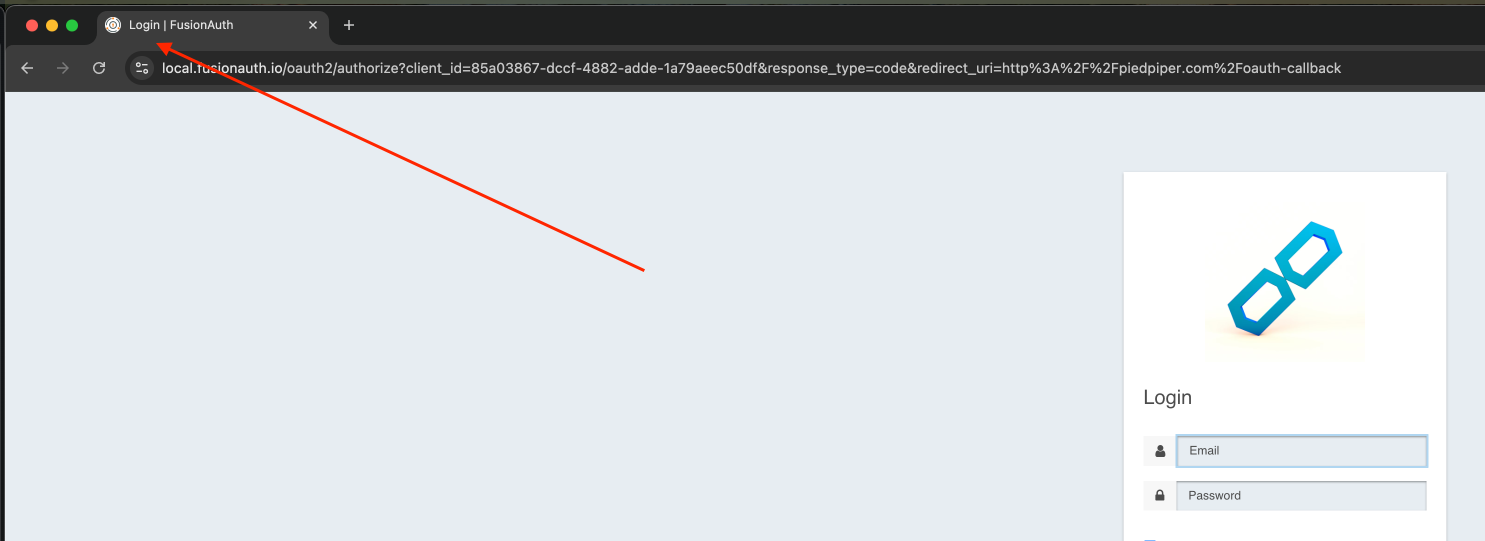
1.64.0 adds the ability to set custom page titles for Simple Themes. Just add oauth2-authorize-page-title to your custom messages, for example:
oauth2-authorize-page-title=Even Though I Love FusionAuth I Still Want to Override This Page Title
We also fixed a large number of bugs: for a full list, take a look at changelog entries marked with the "fix" category in the release notes.
Thanks again for using FusionAuth! We still love you, even if many of you want to hide our name from your page titles.