Features

Intelligent MFA you control — what counts as risky, and where it runs

Intelligent MFA protects your users without the constant interruptions they hate about standard multi-factor authentication. It only challenges risky logins and lets trusted users sign in unopposed. Included in every plan, not a costly add-on.

get started
Quick response
& catered demos
Quick response & catered demos
fusionauth multi-factor authentication

Pick The Right MFA Method

The right form of MFA depends on your users and applications. FusionAuth's Intelligent MFA supports methods like email, SMS, and time-based one-time passwords (TOTP). Enable one or many, and control how long before users are re-prompted. Define policies that decide whether a login needs a challenge at all, so typical login patterns aren't challenged every time.
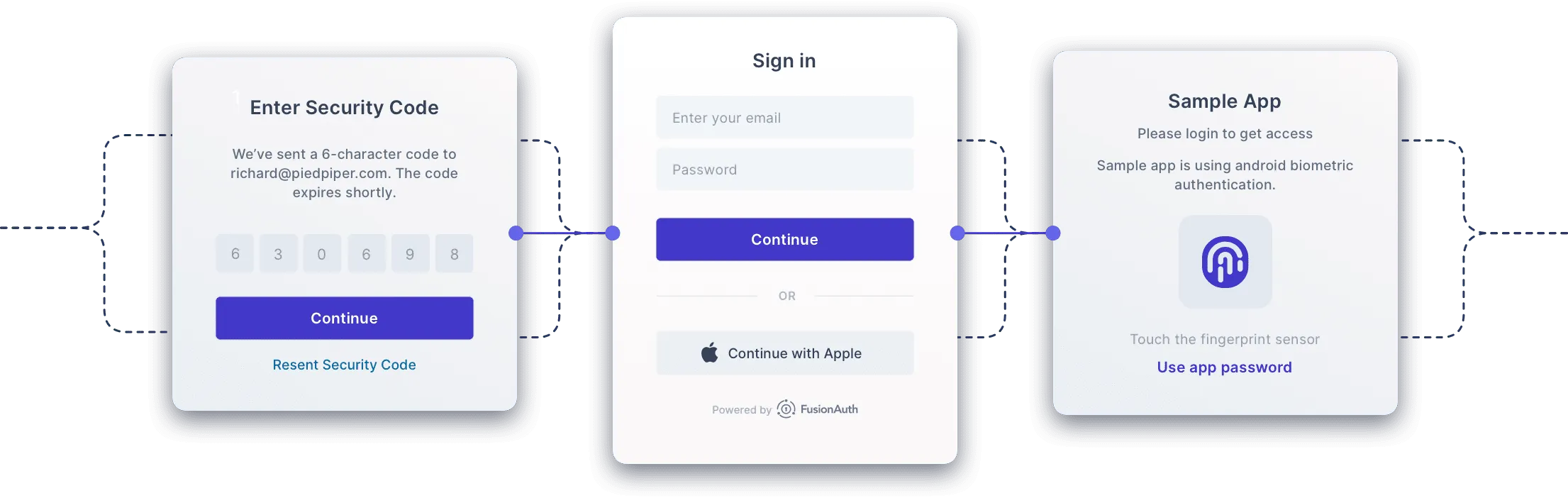
fusionauth select your multi-factor authentication mfa of your choice

Self-Serve MFA Setup

Users can set up MFA on their own using customizable profile management pages, including recovery codes. Or integrate with our APIs to embed MFA setup into your application.

learn more
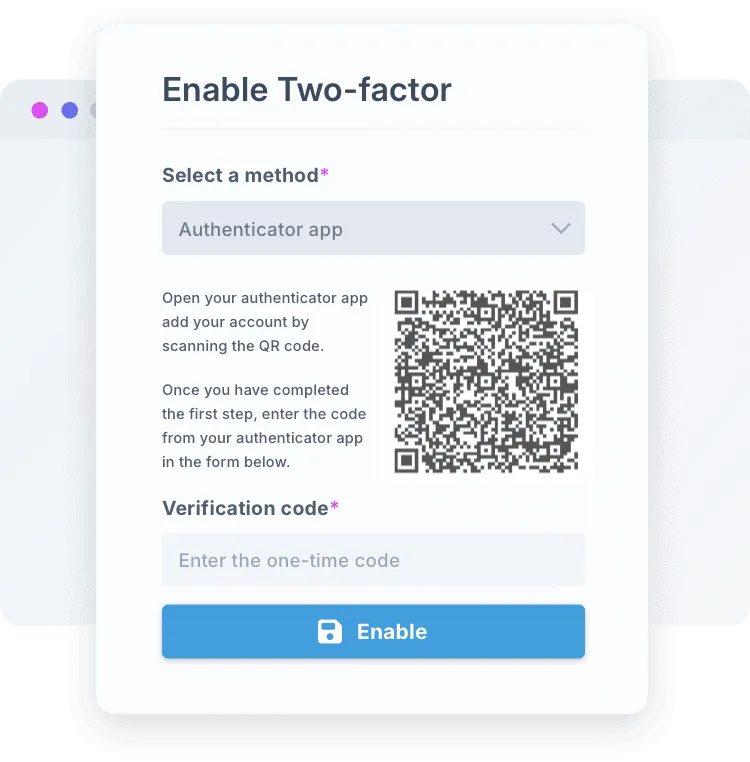
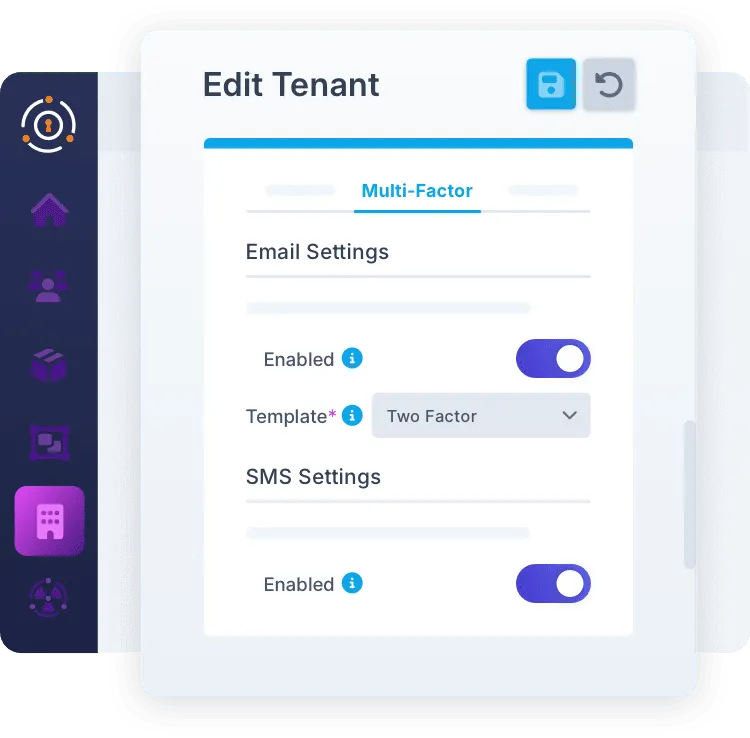
fusionauth self-serve MFA and editing tenants with ease
fusionauth shareable security and multiple auth options

Shareable Security

Let users have as many different MFA methods as they want, including multiple email addresses, phone numbers, and authenticator apps. This reduces MFA device loss anxiety and increases ease of use for your users, while increasing account security by not tying MFA addresses with login identifiers.

Step Up Authentication

Sometimes you want to be extra sure before a sensitive action, like sending money or deleting an account. Trigger an MFA request anywhere in your app using our APIs or SDKs. Factor in the login's risk score through the MFA Lambda to require a stronger method when that action lands in a risky session (Enterprise only).

fusionauth step authentication and fail safes to prevent unwanted actions

Fine Grained Control

Configure MFA rules on an application by application basis, allowing for targeted MFA prompts. Some apps require MFA to provide additional app security, others accept a tradeoff to reduce login friction. You’re in control.

fusionauth flexible mfa increasing and decreasing login friction
fusionauth shareable security and multiple auth options

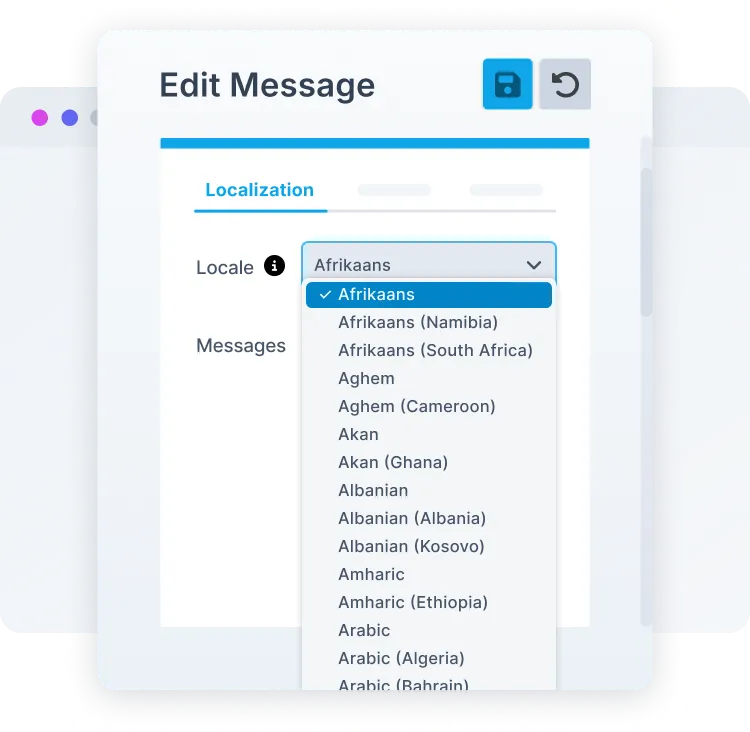
Localize Your Message

FusionAuth is built from the ground up to be localized, including MFA messages. Support your global audience by delivering messages in their preferred language.

Deterministic Risk Engine

Standard MFA treats every login the same. Your customers logging in from home on their two-year-old laptop get the identical challenge as a 3am login from an unknown device in a new country. Only one of those is a real risk. The other is just a returning customer.


The deterministic risk engine ends that. Intelligent MFA scores every login across ten risk signals with a HIGH, MEDIUM, or LOW rating. Your policy controls the challenge trigger: HIGH, or HIGH and MEDIUM. No custom code, just pick a preset and you're protected.


Meet audit requirements with documented, deterministic scoring — no black box, no non-reproducible ML algorithm.
Flowchart of a risk-scoring auth flow: "Evaluate Signals (10 risk signals)" → "Composite Score" → "Score?" decision. HIGH → MFA Challenge; LOW → Pass Through; MED → "Policy Decides," which splits into Yes → MFA Challenge and No → Pass Through.
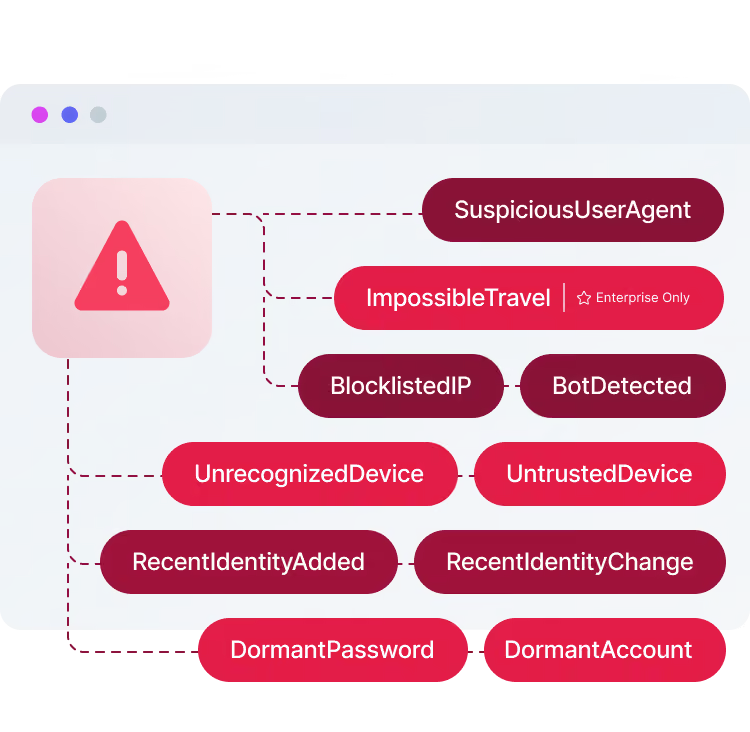
Diagram of risk signals branching from a warning-triangle icon: SuspiciousUserAgent, ImpossibleTravel (Enterprise Only), BlocklistedIP, BotDetected, UnrecognizedDevice, UntrustedDevice, RecentIdentityAdded, RecentIdentityChange, DormantPassword, and DormantAccount.

Ten Risk Signals

Intelligent MFA scores each login across ten risk signals before deciding whether to challenge. More signals mean greater accuracy telling routine logins from genuine threats.

Enterprise Only

Override the Score

The presets handle most cases. When you need more, the MFA Lambda hands your code the login's risk score, so you make the final call: suppress a challenge for a known service-account IP, force one on a high-value transaction, or route a risky session to a stronger method. The risk score is yours to act on, in a Lambda that runs inside your own deployment.
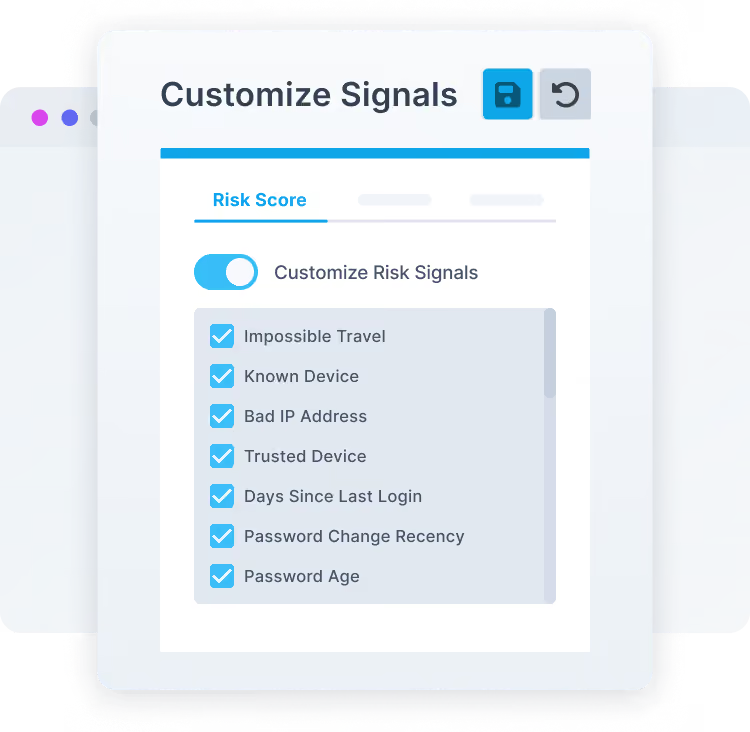
A "Customize Signals" settings panel with save and undo buttons. Under a "Risk Score" tab, a "Customize Risk Signals" toggle is on, above a checklist of enabled signals: Impossible Travel, Known Device, Bad IP Address, Trusted Device, Days Since Last Login, Password Change Recency, and Password Age.
An "Intelligent MFA" dashboard panel, under an "MFA Challenges" tab, showing three stat cards: Challenged 724, Failed 68, and Succeeded 656.
Enterprise Only

Audit Every MFA Decision

Every MFA challenge becomes a record your security team and auditors can see. Three MFA event webhooks fire as challenges happen:

  • user.two-factor.challenge — fires when a user is challenged
  • user.two-factor.success — fires when they pass
  • user.two-factor.failed_attempt — fires on each failed attempt

No added login latency, because they're non-transactional. Stream them straight to your SIEM, and with user.login.suspicious you get a complete audit trail for every risk-based decision. (Enterprise only)
Run It Where Your Apps Run

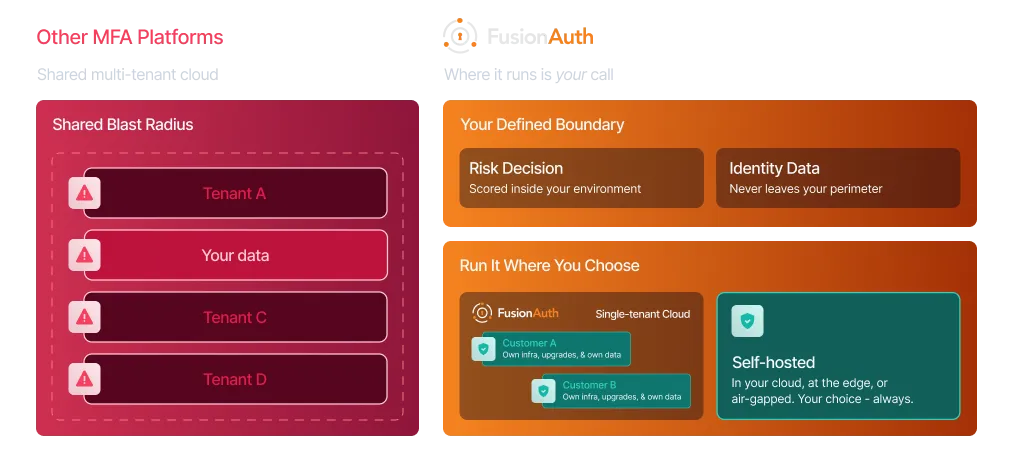
Other MFA platforms run only in their own multi-tenant cloud, so your users' sensitive data shares a blast radius with every other tenant. FusionAuth scores risk inside a deployment you control. Self-host it right alongside your applications: in your own cloud, at the edge, or air-gapped. Or let us look after operations in our dedicated, isolated, single-tenant FusionAuth Cloud. Either way, the risk decision and your identity data stay inside your boundary. Where it runs is your call.