Update User Profiles and Passwords
On this page
This feature requires at least a Starter plan.
1.26.0
FusionAuth Self Service Registration Forms allows users to update most of their own data from a hosted page. Below we will document two common tasks users - updating passwords and other user data fields.
User Profile Data (User Facing)#
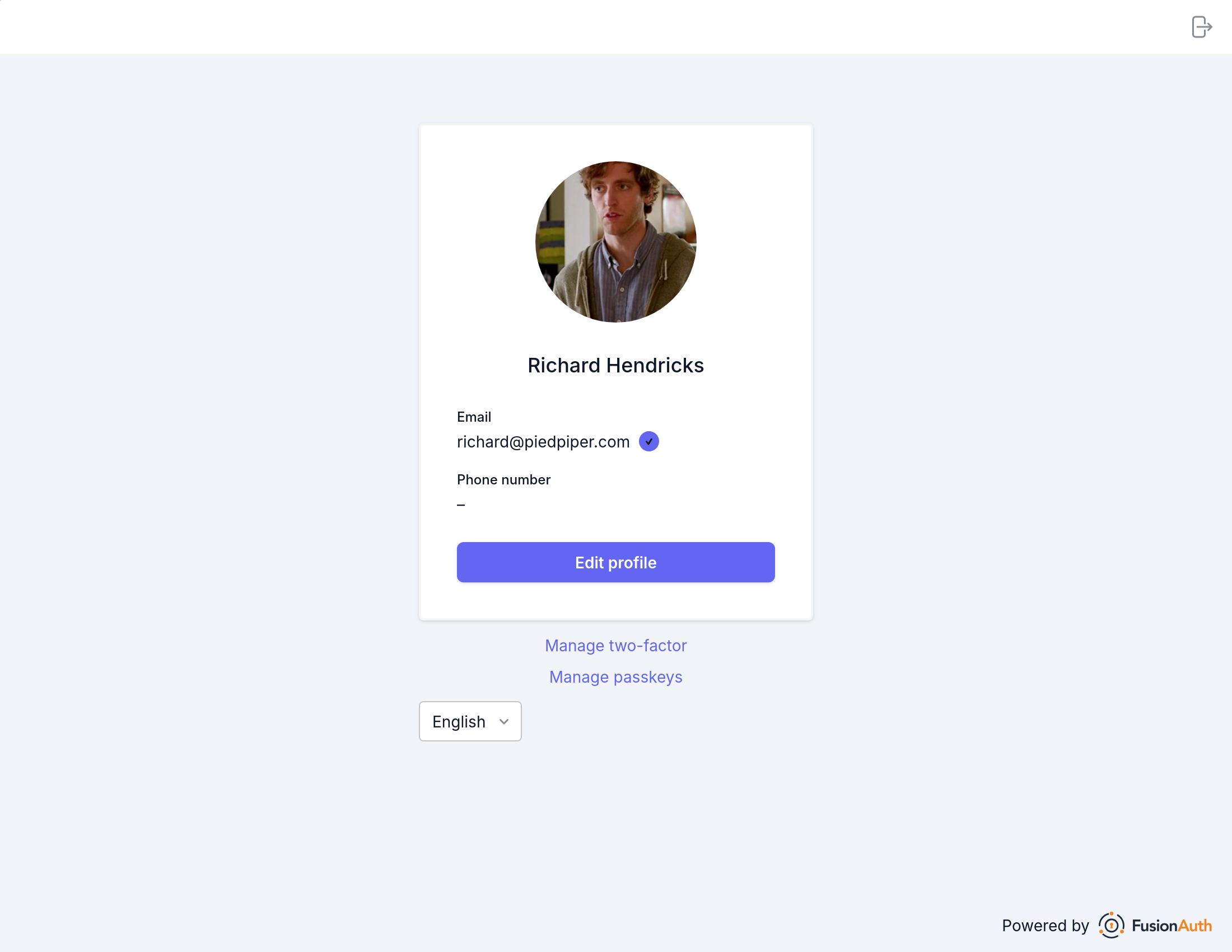
To edit your profile data, navigate to the account self service home and click on the edit icon in the top right.
Once on the account self service edit screen your information (user object) can be updated directly.
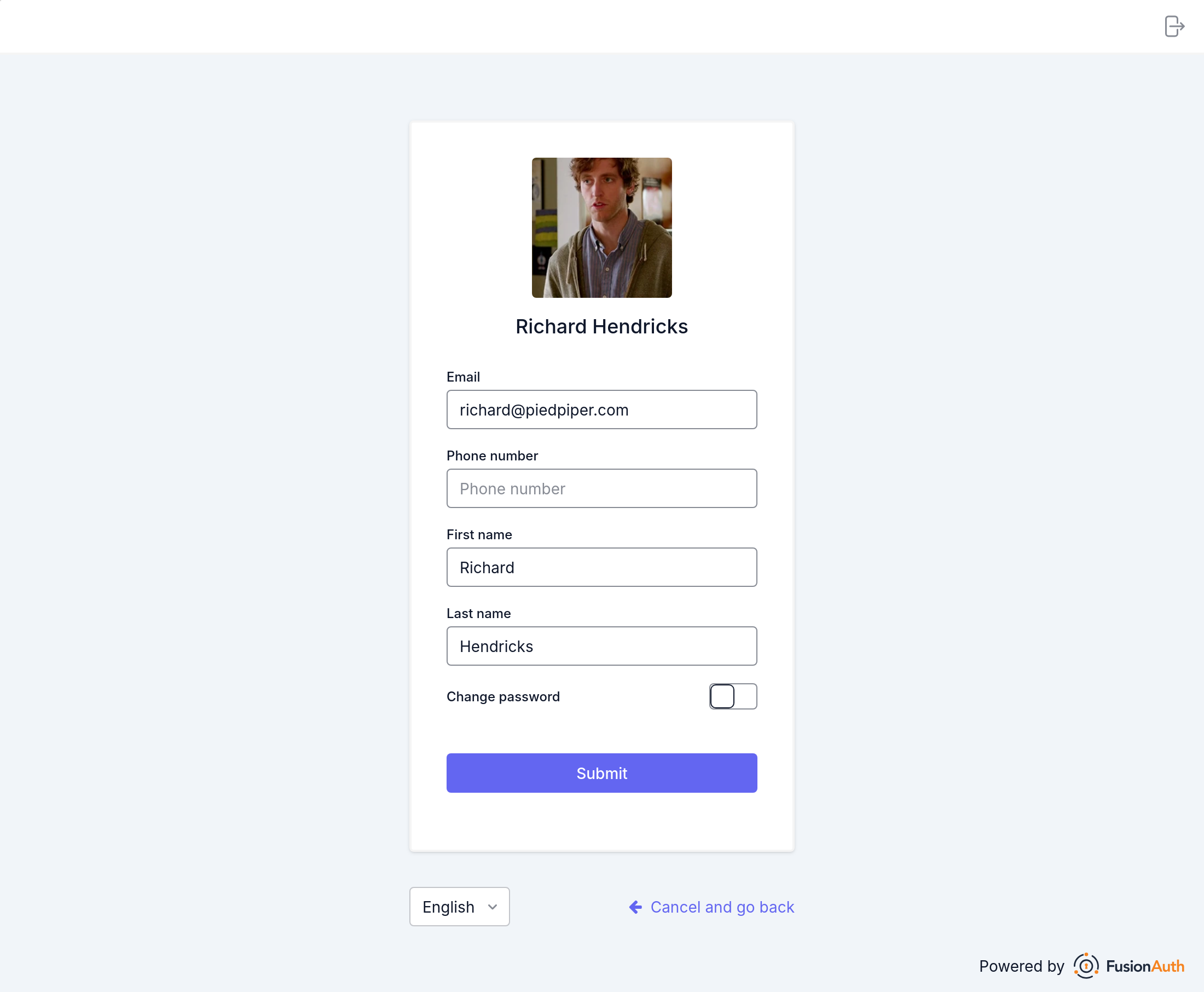
Any changes here will be saved to your user in FusionAuth.
Update User Password (User Facing)#
To edit profile data (including the password) on the user, navigate to account self service home and click on the edit icon in the top right.
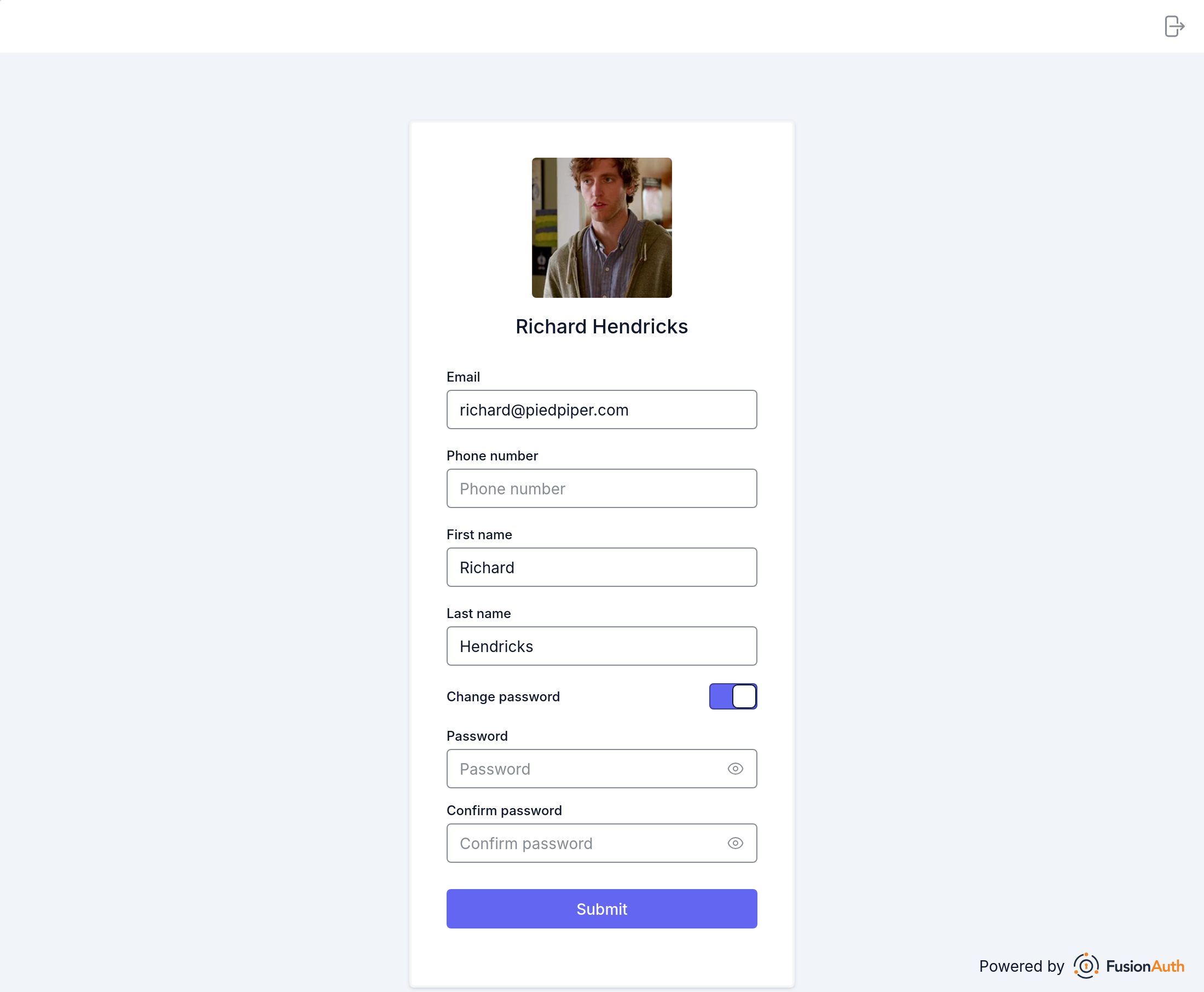
To update your password, toggle Change password and you will be presented with a password entry and confirmation field.
If a current password is required, you'll need to enter your existing password.
Enter a new password, password confirmation, and finally click Submit .
Success! That's it. You have now successfully updated your password.