Security
On this page
FusionAuth Cloud has a number of protections in place to prevent a DoS attack and keep your services running smoothly.
Rate Limiting#
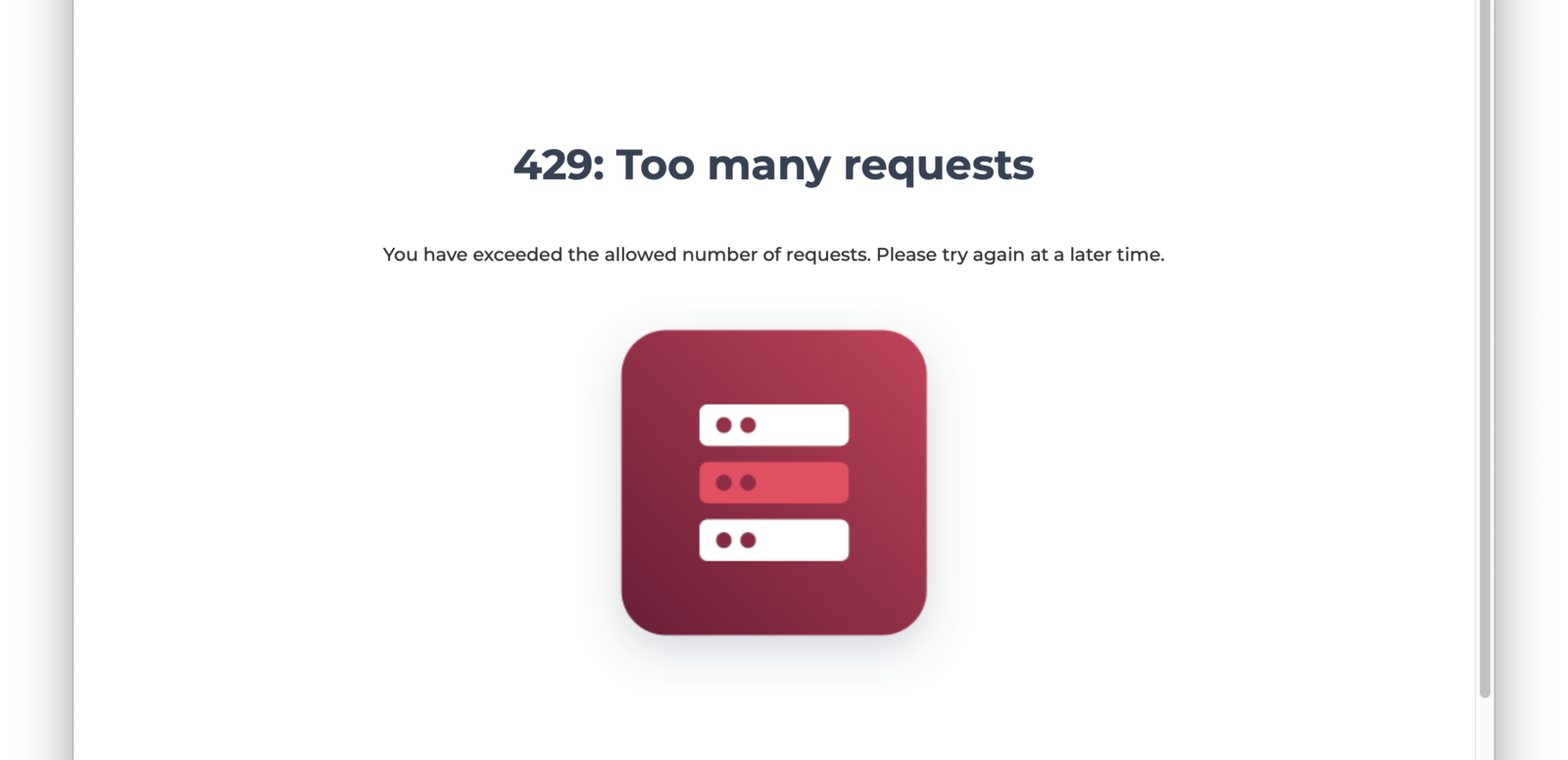
If you receive 429 response codes or the following message appears, this would indicate the end user, test, or application is making requests in excess of what is considered typical.
Prior to this message you may receive a CAPTCHA challenge.
To prevent either scenario please limit the number of requests you are making over a given time period or open a support ticket to add your static production IP addresses to the FusionAuth Cloud allow list as needed.
Add an IP Address to the Allowlist#
The criteria for adding an IP address to the FusionAuth Cloud allow list:
- It is static.
- It is owned by your company, not shared with other companies/resources, such as a CDN.
- It is associated with a production server (not a developer's laptop).
If the IP addresses meet these conditions, log a support request. The turnaround time for an allow list change is two to three business days.
If you no longer need an IP address on the allow list, please log a support ticket to remove it.
CAPTCHA#
The FusionAuth Cloud CAPTCHA described here is separate from the CAPTCHA configured using Advanced Threat Detection and can only be managed by the FusionAuth team.
When FusionAuth Cloud detects an unusual traffic pattern from a user, that user will receive a CAPTCHA challenge:
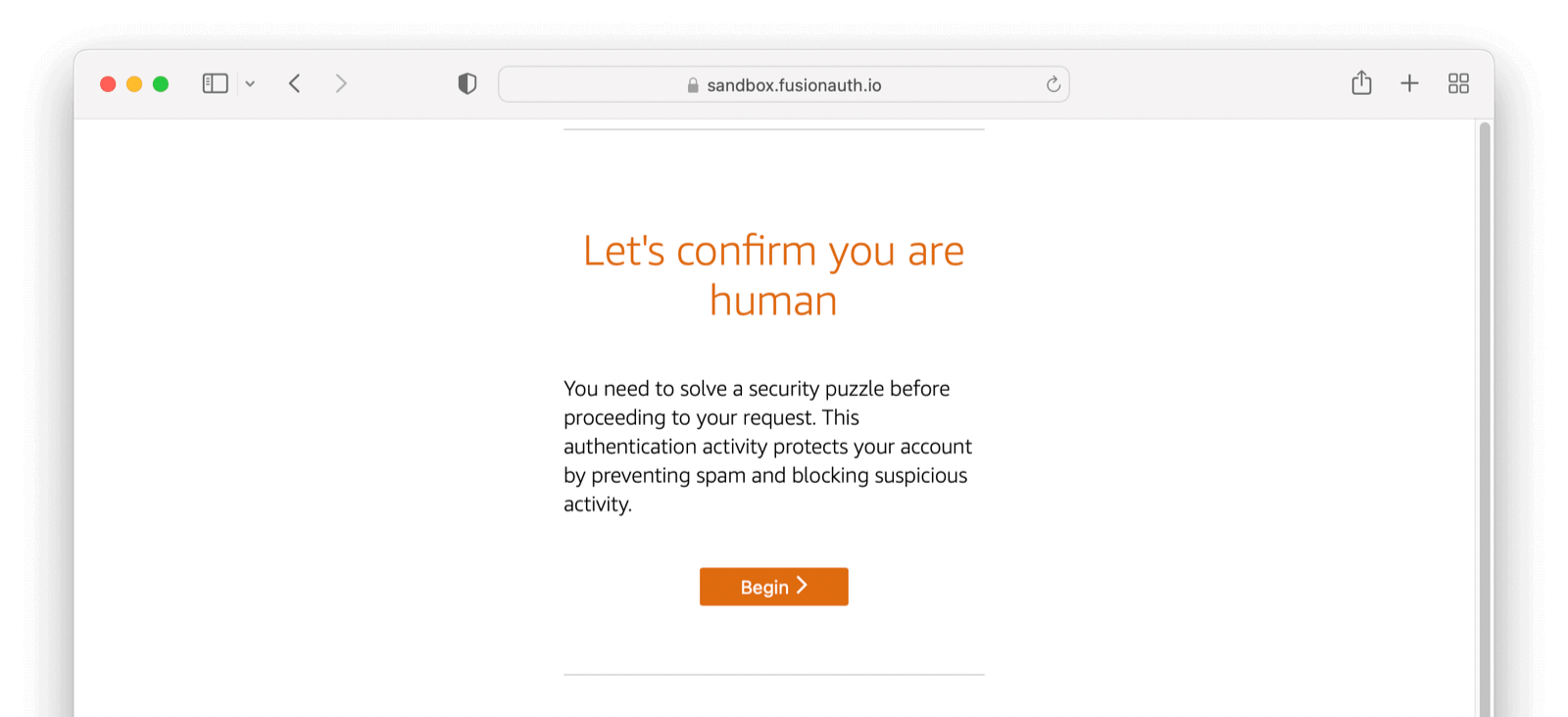

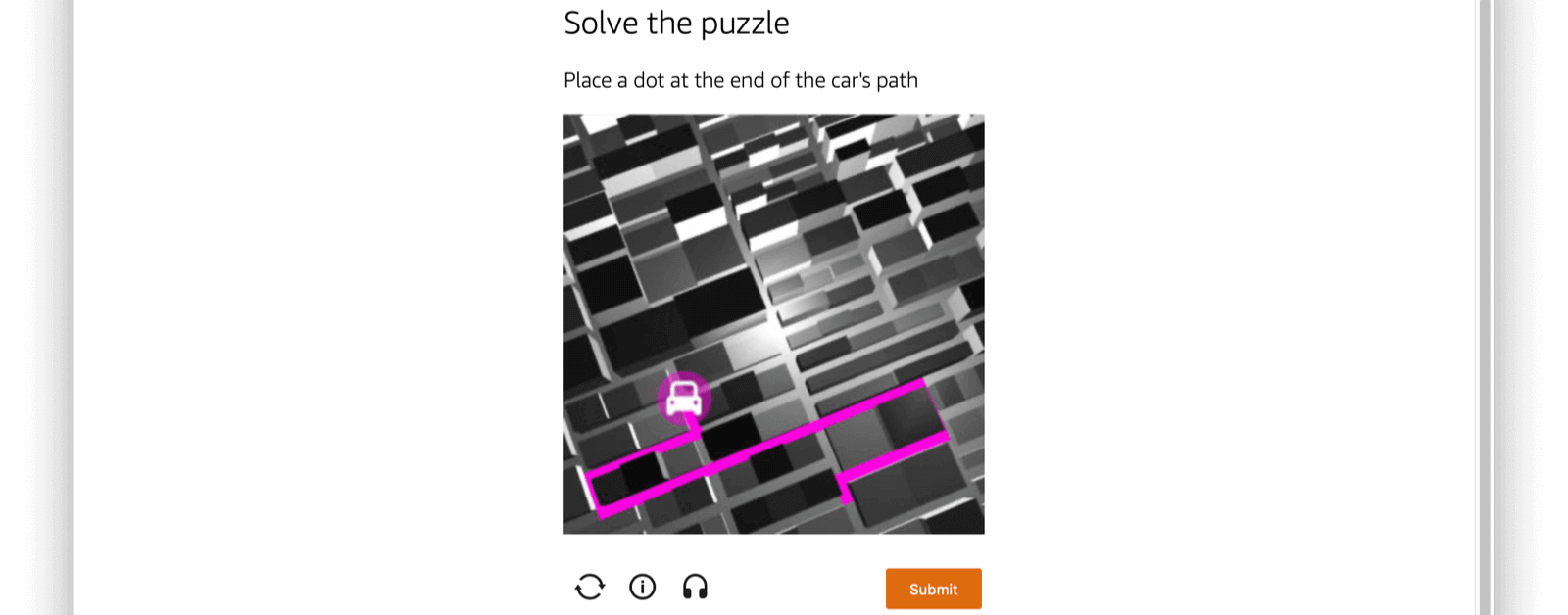
If you encounter a CAPTCHA during manual testing, ensure you have local browser caching enabled. Using browser developer tools to disable caching often leads to CAPTCHA presentation. Consult the documentation for your browser to learn more.
Related
Learn how to create a FusionAuth Cloud account.
Learn how to delete your FusionAuth Cloud account.
Learn about the account portal, where you can manage account data, deployments, and licenses.
Learn about the pros and cons of FusionAuth Cloud compared to self-hosted FusionAuth.